Planner + layout guide
Fields of Mistria Farm Layout Planner
Use the interactive grid to sketch your farm, then use the layout guidance below to refine crop zones, buildings, paths, and expansion space before you build.
Open the community planner in a new tab
Start with a Workable Farm Layout
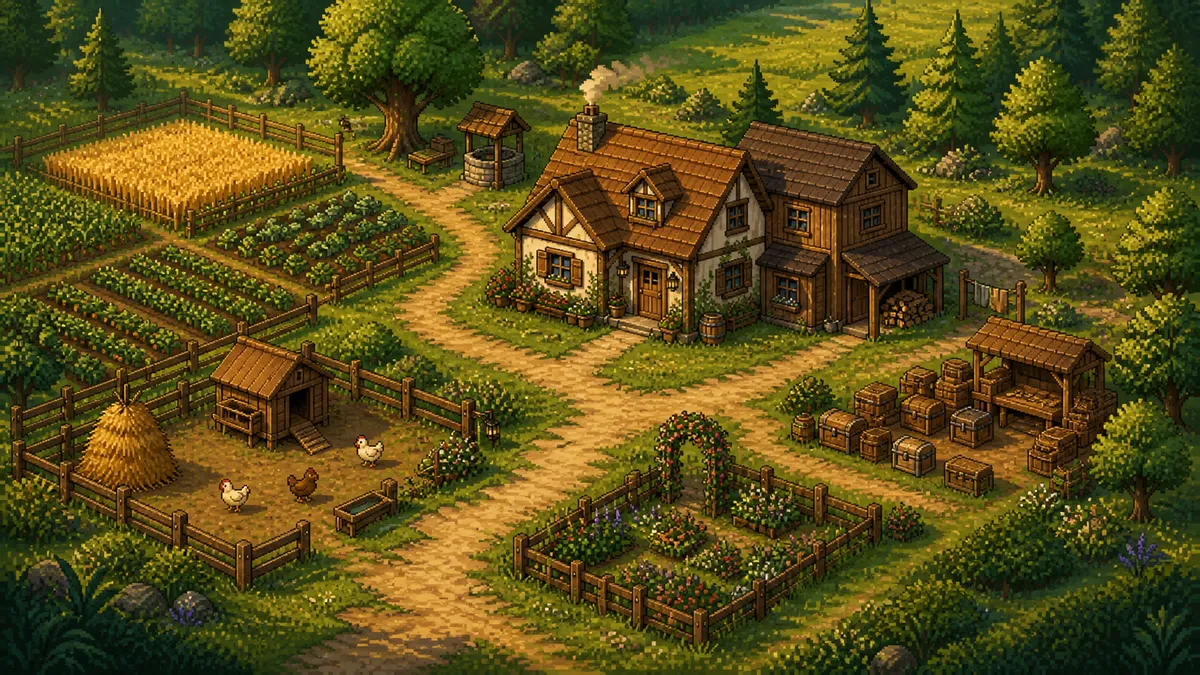
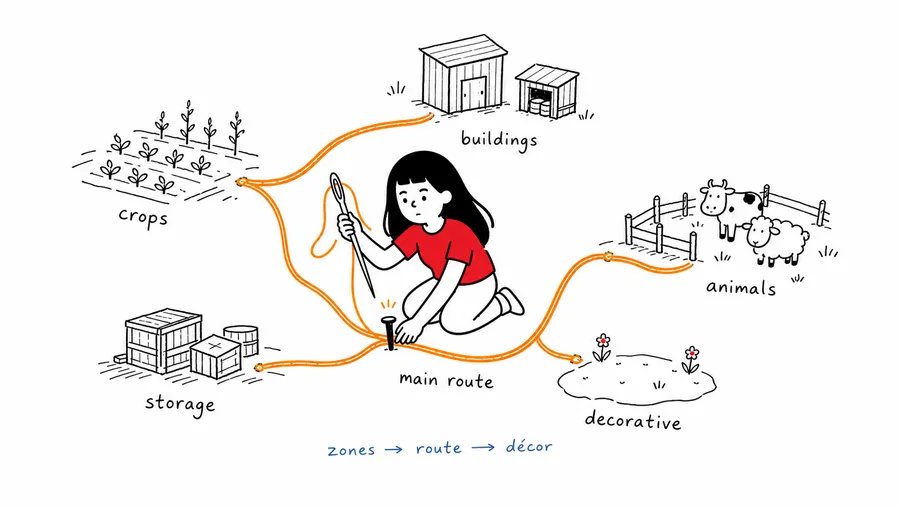
A useful Fields of Mistria farm layout starts with the route you will walk every day. Mark the farmhouse, crops, buildings, animals, storage, and one flexible edge before you spend time on decoration. The planner makes those relationships easy to move while the idea is still a sketch.
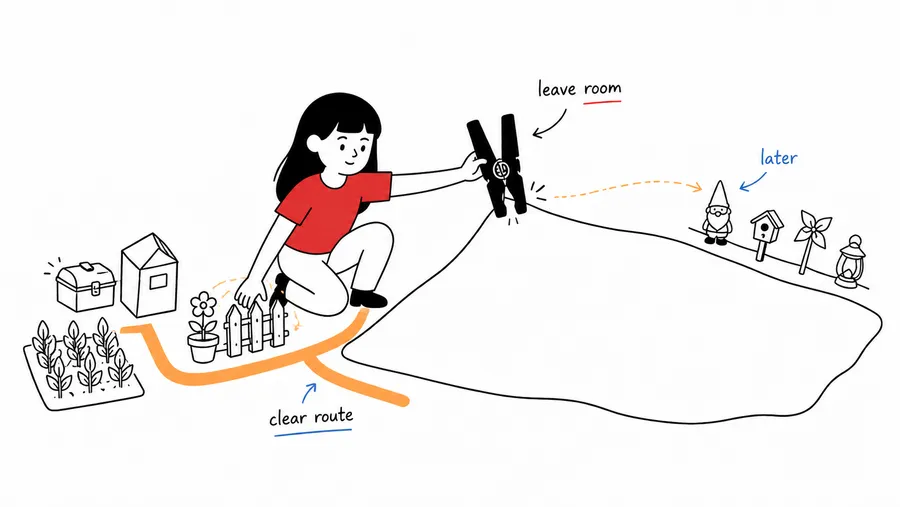
Keep one main route readable from the entrance to your highest-use areas. Group crops where watering and harvesting make sense, give animal buildings a clear approach, and leave a little open space for the next upgrade or a change of heart. Empty space is part of the plan, not a mistake.
Once the working structure feels clear, add paths, fences, trees, flowers, and other details in a second pass. This order keeps a cozy theme from hiding the route that makes the farm comfortable to use. Save or screenshot a draft before you rebuild the same area in game.
Fields of Mistria Farm Layout Ideas to Test
For a crop-focused farm, put one broad crop district beside the main route and keep storage near the crop-to-building threshold. For a ranch-focused farm, cluster animal spaces at one edge with a short branch path and enough breathing room around gates and fences.
For a cute or decorative farm, choose one arrival scene — a garden, orchard lane, cottage yard, or flower pocket — and let it frame a practical zone. Repeating one or two visual cues is usually stronger than decorating every open tile.
If you are planning a later expansion, reserve a blank strip beside the route. It can hold a new building, a wider turn, a fence adjustment, or simply a calm view. Try two or three versions in the Fields of Mistria farm layout planner before committing to one arrangement.
Check the Draft in Your Save
This page embeds a community planning tool rather than an official building database. Treat it as a fast way to compare layout ideas, not as a promise that every tile, entrance, or sprinkler footprint matches the current game version.
Before moving a building or spending materials, confirm the exact dimensions, entrances, walkable tiles, sprinkler coverage, fence length, and gate position in your own save. A strong draft gives you the structure; the game remains the final measurement reference.
Read the detailed farm layout guide Use the guide for zoning patterns, main-route checks, and flexible expansion ideas.
Open the full-screen Mistria planner Continue editing when you want more room for a detailed draft.