
Fields of Mistria Farm Expansion Planning Guide
Plan the Fields of Mistria farm expansion as a connected zone, with clear routes, flexible edges, and space for future buildings.
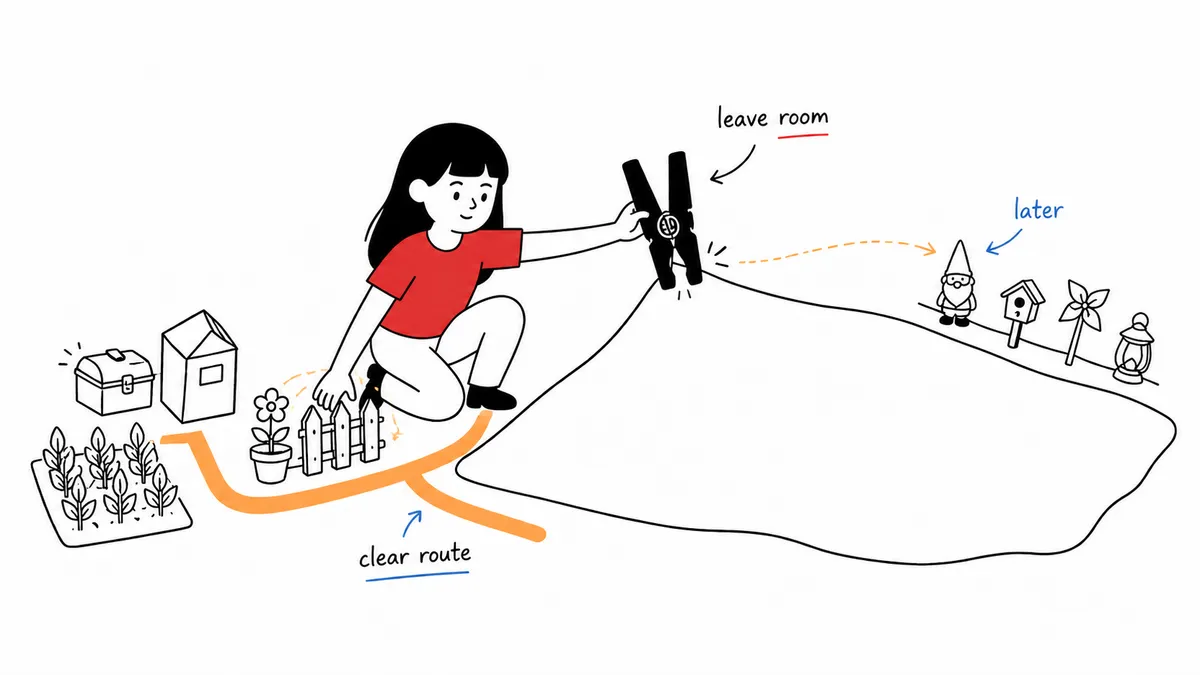
The farm expansion creates a new planning problem: more land does not automatically create a clearer farm. Treat the added area as a connected district rather than a second, unrelated farm. Decide what should move there, how the route reaches it, and which edge will remain flexible before you commit to decorative borders.
NPC Studio’s second major update notes confirm that the Farm Expansion can be purchased at the Carpenter’s Shop. The same notes say the farm map was updated to display the expanded plot. Those are the only unlock facts this guide relies on; use the current Carpenter’s Shop interface for any cost, material, or progression requirement shown in your version.
Start with one job for the new land
Choose one primary role for the expansion. It might become a ranch district, a greenhouse and crop annex, a decorative orchard, or simply a reserve for buildings you have not placed yet. A single role gives the space a reason to exist and prevents it from becoming a miscellaneous overflow area.
Write the role at the center of a rough planner block. Around it, mark three supporting needs: the route back to the original farm, nearby storage, and an open edge for the next change. If the original farm does not have clear zones yet, set those up first with the Fields of Mistria farm layout guide. Do not begin with fences or a symmetrical path grid. Those details are easier to add after the major relationship is clear.
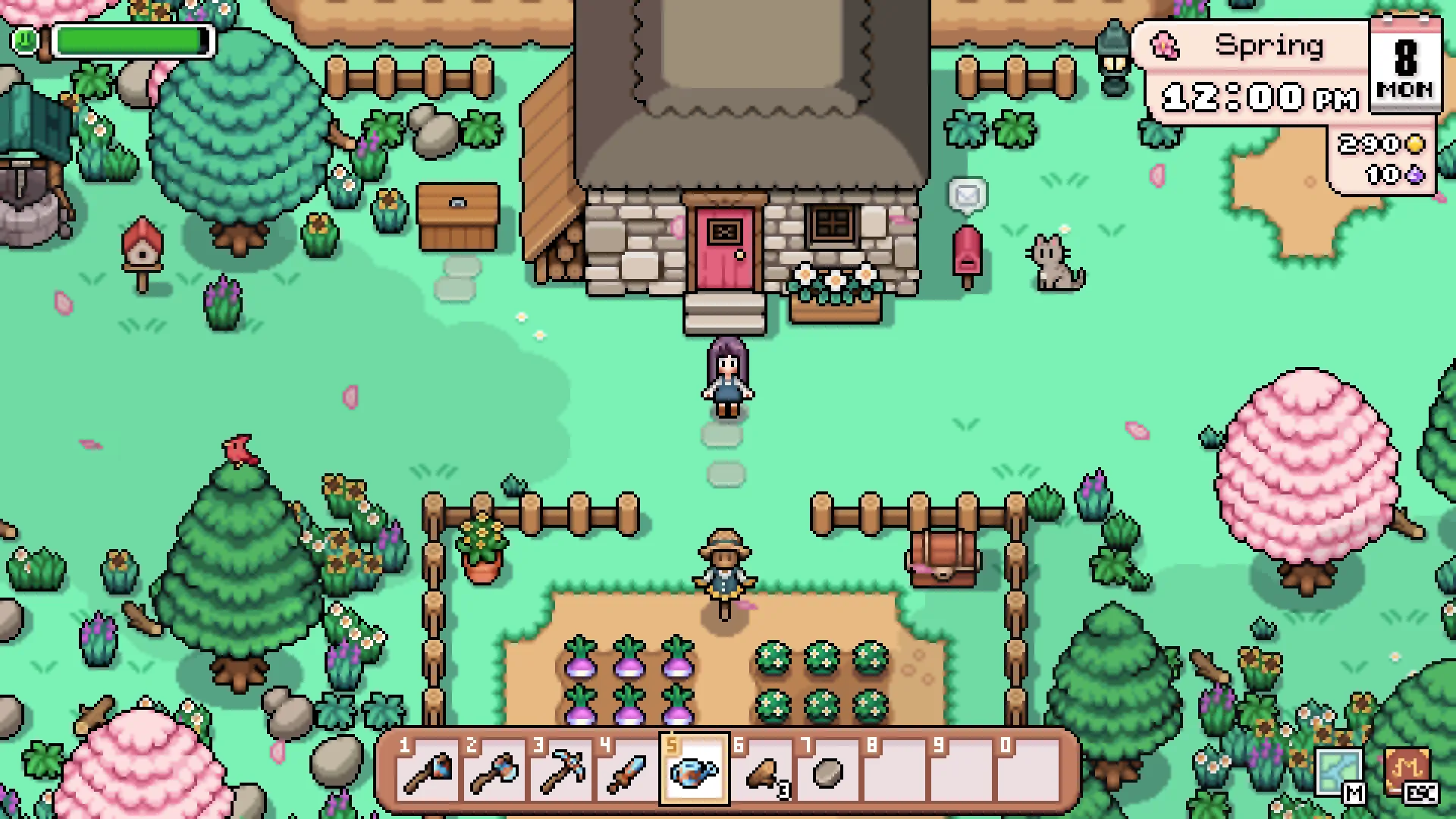 Screenshot courtesy of NPC Studio.
Connect the expansion to the daily route
The most important line is the route between the farmhouse side and the expanded side. Trace it from the place where your morning begins to the main task you plan to move. If the route reaches the new zone only after circling unrelated buildings, simplify it before adding scenery.
A useful route has one obvious entry, a clear destination, and a natural return toward another task. For a ranch district, the return might pass storage. For a greenhouse district, it might rejoin the crop area. The exact arrangement is personal; the test is whether the expanded land feels like part of one routine.
Use the farm layout planner to sketch only these large relationships first. The planner is appropriate for comparing zones and routes, but it is not proof of exact building footprints or current placement rules. Confirm those details in your own save before building tightly around them.
Move one system at a time
Do not relocate every mature area on the same pass. Start with the system whose current location causes the clearest problem. Move or rebuild that area, walk the new route in your save, and then decide whether a second system belongs beside it.
This staged approach protects the original farm from turning into an empty construction site. It also shows whether the new land actually shortens a routine or merely spreads tasks farther apart. A larger farm can still be compact in use if related work stays grouped.
Keep the boundary reversible
Leave one side of the new district unfinished. An open strip can accept another building, a wider path, a storage point, or a future idea without forcing a full redesign. It can also remain open permanently if the expanded farm already feels balanced.
Use trees, fences, furniture, and dense planting only after the main route works. Decorative boundaries should explain where a zone ends, not make that boundary expensive to change. If a path or fence has no clear job yet, leave it out of the first draft.
Expansion review checklist
- Can you name the expansion’s primary job in one sentence?
- Is there one clear route from the original farm to that job?
- Does storage sit near the work it supports rather than in the middle of the path?
- Is at least one edge still easy to revise?
- Have you checked current costs, requirements, and placement rules in your own game?
Official sources
- Fields of Mistria’s Second Major Update & Patch Notes — NPC Studio’s announcement that the Farm Expansion can be purchased at the Carpenter’s Shop and that the farm map displays the expanded plot.
Related guides
Start with the broader farm layout guide, decide where year-round growing belongs with the greenhouse placement guide, and place supplies with the farm storage planning guide.
Unofficial fan-made resource. Not affiliated with or endorsed by NPC Studio.
Watch & Learn
See the planning problem in motion
These verified YouTube links add a creator’s visual context. Use them for workflow ideas, and check current in-game text or NPC Studio sources before treating a mechanic as fact.
Fields of Mistria - Farm expansion
Babytappy
Useful for seeing the expansion appear in a real save and understanding why it is easier to assign the new space a job before decorating it.
Watch on YouTubeFields of Mistria - 10 Best Farm Layout Tips!
Cozy With Toxi
Useful for a broader zoning workflow that can be applied across the original farm and the expansion as one plan.
Watch on YouTube