
Fields of Mistria Farm Storage Planning Guide
Organize Fields of Mistria farm storage around crops, ranching, crafting, and routes without relying on unverified chest capacities.
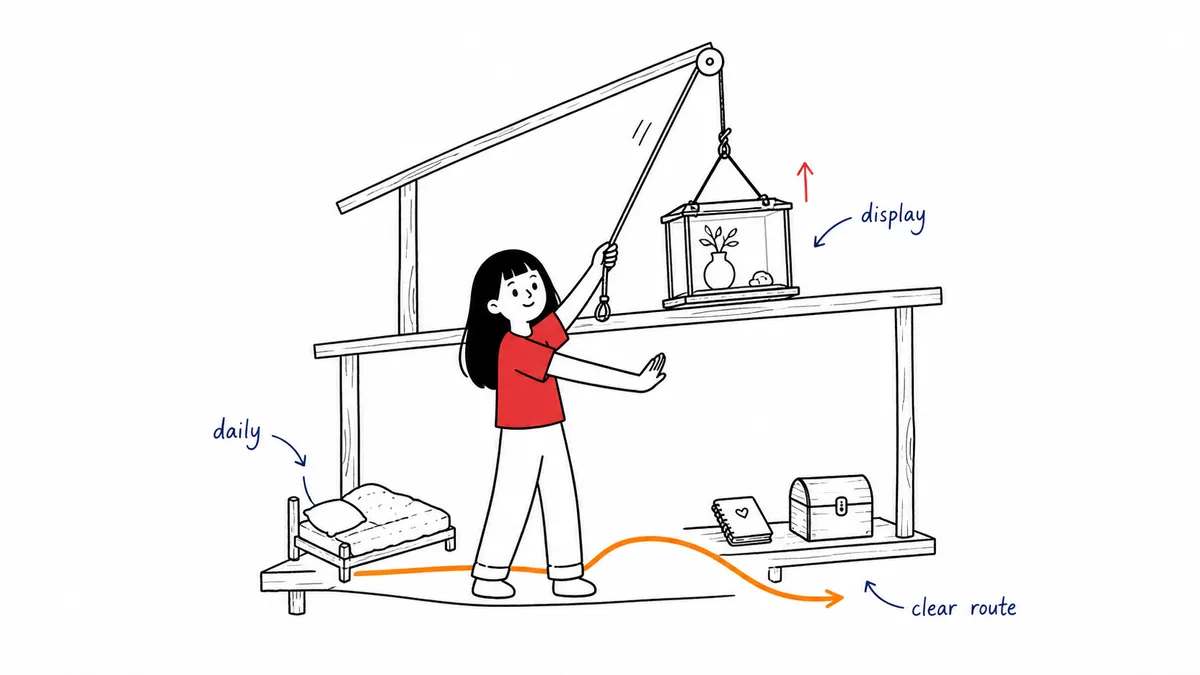
Good farm storage reduces repeated walking and makes it obvious where an item belongs. The most reliable method is not one giant warehouse. It is a small number of task-based storage nodes placed beside the work they support, with a simple overflow rule for everything that does not yet have a permanent home.
NPC Studio’s third major update notes confirm that large and extra-large storage chests were added and that the Storage UI gained an auto-deposit control for items already present in storage. Later official notes confirm additional storage-category icons. This guide uses those interface facts only; it does not publish chest capacities or assume that every chest shares the same unlock source.
Build storage around tasks
Start with the tasks already represented in your farm plan: crops, ranching, crafting, and home or decoration. Give each active task one nearby storage node. A crop node can sit on the path between fields and the next destination. A ranch node can support the animal-building loop. A crafting node should be close to the place where you decide what to make. Check the woodcrafting guide for station locations and recipe requirements before organizing your crafting supplies.
Keep each node beside the route, not inside it. You should be able to stop, deposit or retrieve items, and continue without walking around a wall of containers. When a node expands, add storage sideways or into a small alcove rather than narrowing the main path.
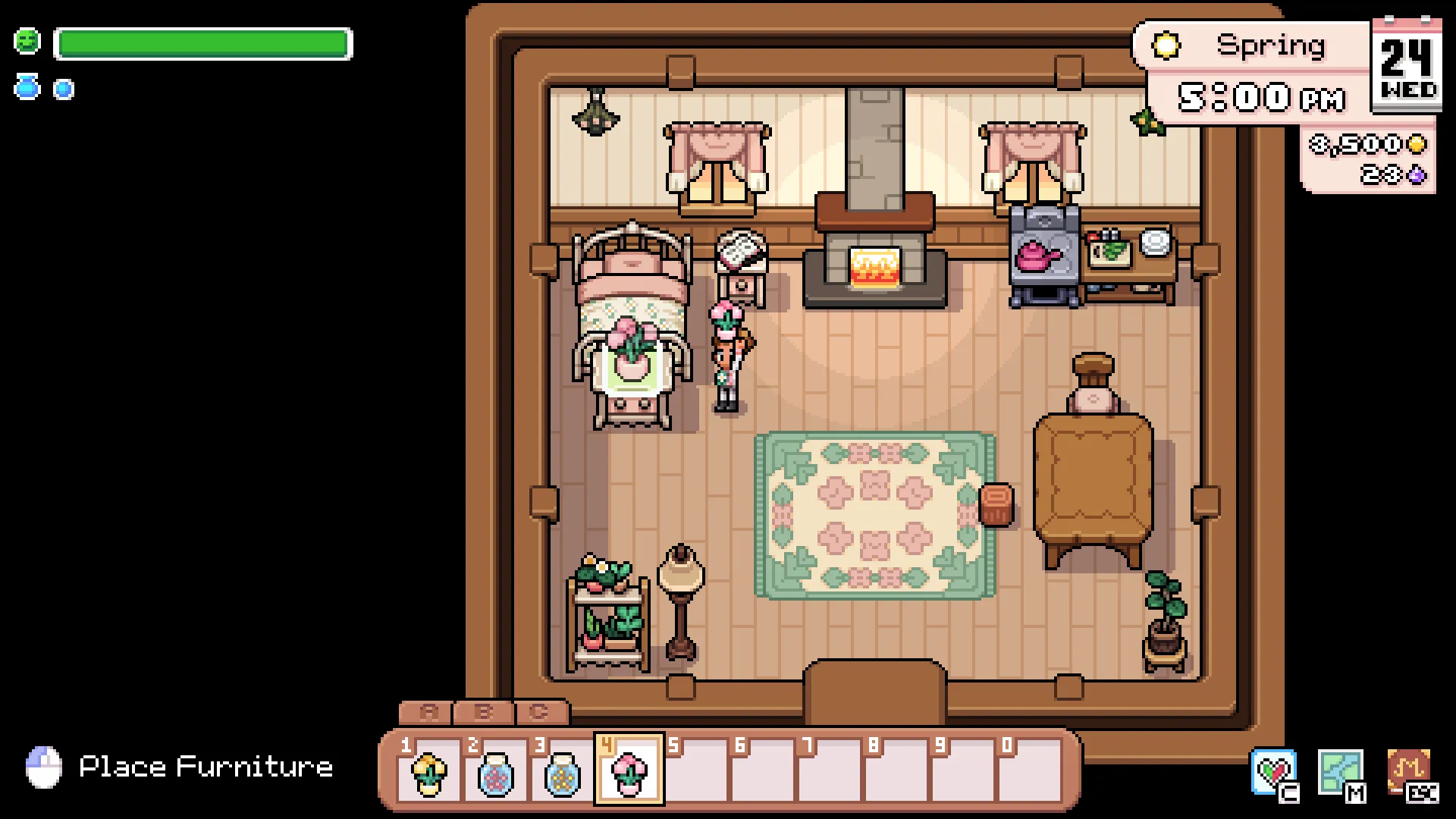 Screenshot courtesy of NPC Studio.
Use categories you can remember
Choose labels based on what you do, not on a perfect taxonomy. “Crop work,” “animal work,” “building materials,” and “decor later” are easier to remember during play than many narrow categories that require constant sorting. NPC Studio’s addition of category icons can support this system, but the icon should reinforce a clear rule rather than replace one.
If you repeatedly hesitate between two containers, merge their categories or rewrite the rule. A storage system succeeds when you can use it quickly at the end of a route. It does not need to classify every item with museum-like precision.
Let auto-deposit support the route
The official Storage UI update added a control for auto-depositing inventory items that are already present in that storage. This makes a consistent node more useful: once a container represents a task, returning matching items becomes easier.
Do not interpret auto-deposit as a reason to scatter containers everywhere. Too many small stops can still make a route hard to read. Place nodes only where a real task produces or consumes items, then use the interface to reduce manual sorting within those stops.
Create one temporary inbox
Reserve one clearly named container as an inbox for unsorted items, new rewards, or materials whose role is not yet clear. Put it near the farmhouse or another place you naturally pass. The inbox prevents uncertain items from leaking into every functional node.
Review it when it becomes inconvenient, not every day. If one type of item appears repeatedly, it has earned a permanent category. If an item remains rare or decorative, it can stay in overflow until you build a room or area for it.
Plan for larger storage without inventing capacity
Large and extra-large storage exist according to NPC Studio’s notes, but this page deliberately avoids capacity numbers and unlock assumptions. The planning lesson does not require them: leave enough room for a storage node to change form or gain another container without blocking its route. If new storage arrives together with new land, use the farm expansion planning guide to decide where the next node belongs.
When a larger option becomes available in your save, consolidate only if it makes the node easier to understand. More capacity is useful, but a distant large chest can still be less convenient than a smaller container beside the task it serves.
Storage review checklist
- Does every active task have one obvious storage node?
- Can you reach each node without blocking the main path?
- Can you explain each category in a few words?
- Is there one temporary inbox instead of several mystery chests?
- Have you checked current chest details in the in-game recipe, shop, or item description?
Official sources
- Fields of Mistria’s Third Major Update & Patch Notes — NPC Studio’s large storage and Storage UI auto-deposit statements.
- Patch Notes v0.14.2 - Feedback Update — NPC Studio’s storage-category icon update and later Storage UI changes.
Related guides
Connect storage to the farm layout guide, keep materials close to the crafting table workflow, and decide what belongs indoors with the house upgrades guide.
Unofficial fan-made resource. Not affiliated with or endorsed by NPC Studio.
Watch & Learn
See the planning problem in motion
These verified YouTube links add a creator’s visual context. Use them for workflow ideas, and check current in-game text or NPC Studio sources before treating a mechanic as fact.
Top 12 FIELDS OF MISTRIA Tips I Learned after 30+ Hours of Gameplay
Buckeye Bunny
Useful for seeing chest placement and locking alongside other early organization decisions in a working farm.
Watch on YouTube10 Tips You Should Know Before Decorating Your Farm in Fields of Mistria!
Josh's Gaming Garden
Useful for seeing why chest placement is part of farm decoration and route design, not a separate cleanup task.
Watch on YouTube